
Many people click the CC field every day without thinking about it. Some use it to keep a boss informed, while others use it out of habit. If you have ever wondered what does cc mean in email, you are not alone. This guide explains the term in plain language and shows how to use it with confidence. By the end, you will know when to add someone and when to leave them out.
What Does CC Mean in Email? The Simple Answer
CC stands for carbon copy, and it is a field that lets you send a copy of your message to someone besides the main recipient. Everyone else on the message can also see who was copied, which keeps the conversation open and clear. It is a simple way to keep others informed without adding extra work for them.
The Origin of CC From Carbon Paper to Inboxes
The term comes from the days of typewriters. Office workers placed a sheet of carbon paper between two pages, and whatever they typed on the top page was pressed onto the bottom one. This created an instant duplicate that could be filed or handed to another person. Email borrowed the same idea and kept the name. Even though nobody uses carbon paper today, the label still describes the purpose perfectly.
CC vs To in Email & What Is the Difference?
The To field is for the person you expect to read your message and respond or take action. The CC field is for people who only need to stay informed, such as a manager or teammate. Both groups receive the same message at the same time and can see each other’s names. If you are still asking what does cc mean in email, think of it as a way to share information without asking for a reply. Using each field correctly keeps your message clear and avoids confusion.
When to Use CC for Better Communication
It is useful for project updates, meeting summaries, and introductions between colleagues. It also creates a simple record that a certain person saw your message. If you still wonder what does cc mean in email in a practical sense, think of it as a way to say “for your information.” Use it with purpose and keep the list short.
When to Skip the CC Field
Not every message needs extra readers. Adding people without a clear reason fills their inboxes and can make them feel pressured to reply. Avoid CC when the topic is private, sensitive, or only matters to the main recipient. It is also best to skip it when you give personal feedback. A smaller audience often leads to a faster and more focused reply.
Reply All and CC Etiquette
Good manners matter when a message has several recipients. Before you click Reply All, ask yourself whether everyone on the list needs to read your answer. Sending a short “thanks” to twenty people can create unnecessary clutter. If someone was copied for information only, they usually do not need to respond. When you add a new person to an ongoing thread, mention it briefly so the others are not surprised.
Privacy Concerns When Using CC
This can lead to spam, privacy complaints, or awkward situations. Always think about whether each person would be comfortable being listed. When in doubt, send individual messages or use BCC to protect contact details.
What Does CC Mean in Email for Professional Communication?
At work, CC often shows accountability and teamwork. Copying a supervisor on a project update can build trust, while copying a colleague on a request can confirm that the work was assigned. However, copying a manager on a disagreement may feel like pressure or blame. Think about how your choice will be read. If you understand what does cc mean in email in a workplace setting, you can use it to support your team instead of causing tension.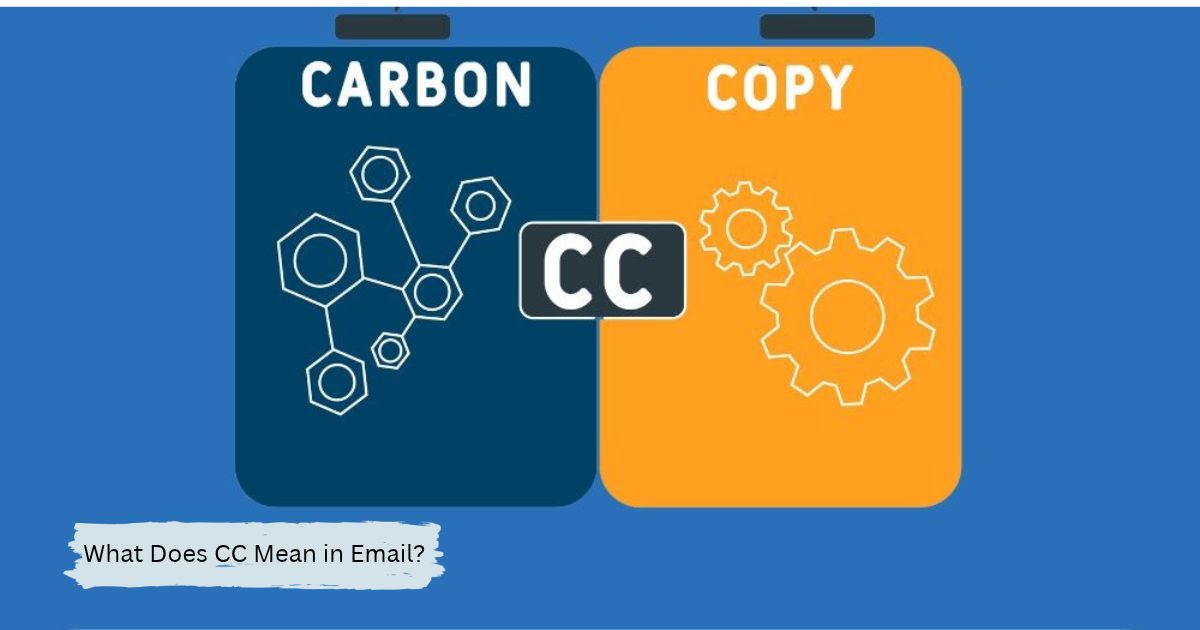
Common CC Mistakes to Avoid
One common mistake is copying too many people, which weakens the message and hides who is responsible. Another is forgetting to check the recipient list and sending a private note to the wrong person. Some senders also use CC to go around a colleague or to make a point in front of leaders. Remember that what does cc mean in email is not a license to publicly pressure others. Review the list before you send.
Tips for Using CC Effectively
Start by writing a clear subject line so copied readers know why they received the message. State who needs to act and who is only being informed, and do it in the first lines. Keep the CC list as short as possible and remove people who are no longer involved in the thread. Finally, give a quick read-through before you hit send. These small habits make your messages easier to follow and more professional.
Conclusion
CC stands for carbon copy, and it lets you share a message with people who need to stay informed without asking them to act. When you use it carefully, it builds transparency and keeps teams aligned. When you overuse it, it creates cltter and privacy risks. Now that you know what does cc mean in email, you can decide with confidence who belongs in the To field, who belongs in CC, and who should be left off.
FAQs
What does CC mean in email?
CC means carbon copy, a field that sends a visible copy of your message to people who only need to be informed.
Can everyone see who is in the CC field?
Yes, all recipients can see every address listed in the To and CC fields.
Do I have to reply if I am copied on an email?
No, people in CC usually do not need to respond unless the sender asks them directly.
What is the difference between CC and BCC?
CC shows all recipients to each other, while BCC hides those addresses from everyone else.
